




Fast Shipping
Carrier information

20k products
Payment methods

24/7 Support
Unlimited help desk

2-day Delivery
Track or off orders
Precision Tooling Match — Every oscillating knife, creasing wheel, and vacuum zone is specified against your actual cardboard grade and sticker stock before the machine leaves our Jinan workshop.
Technical Specifications
| Parameter | Value |
|---|---|
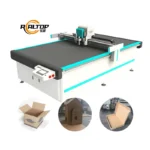
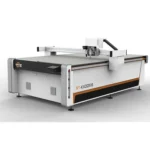
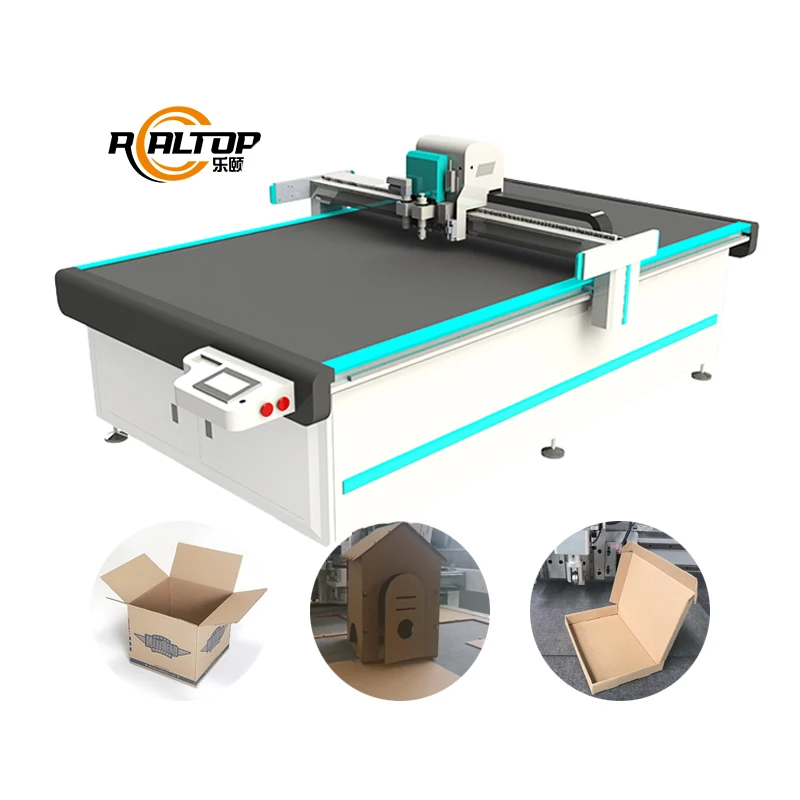
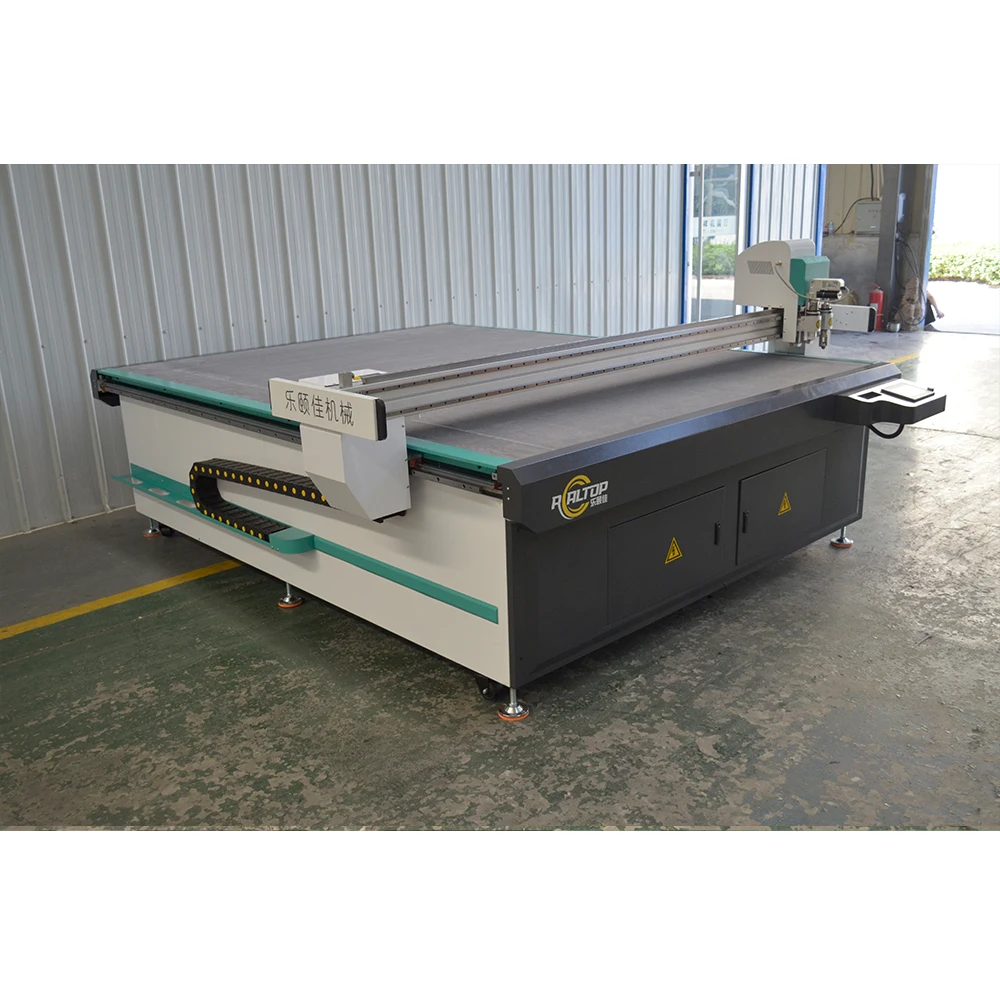
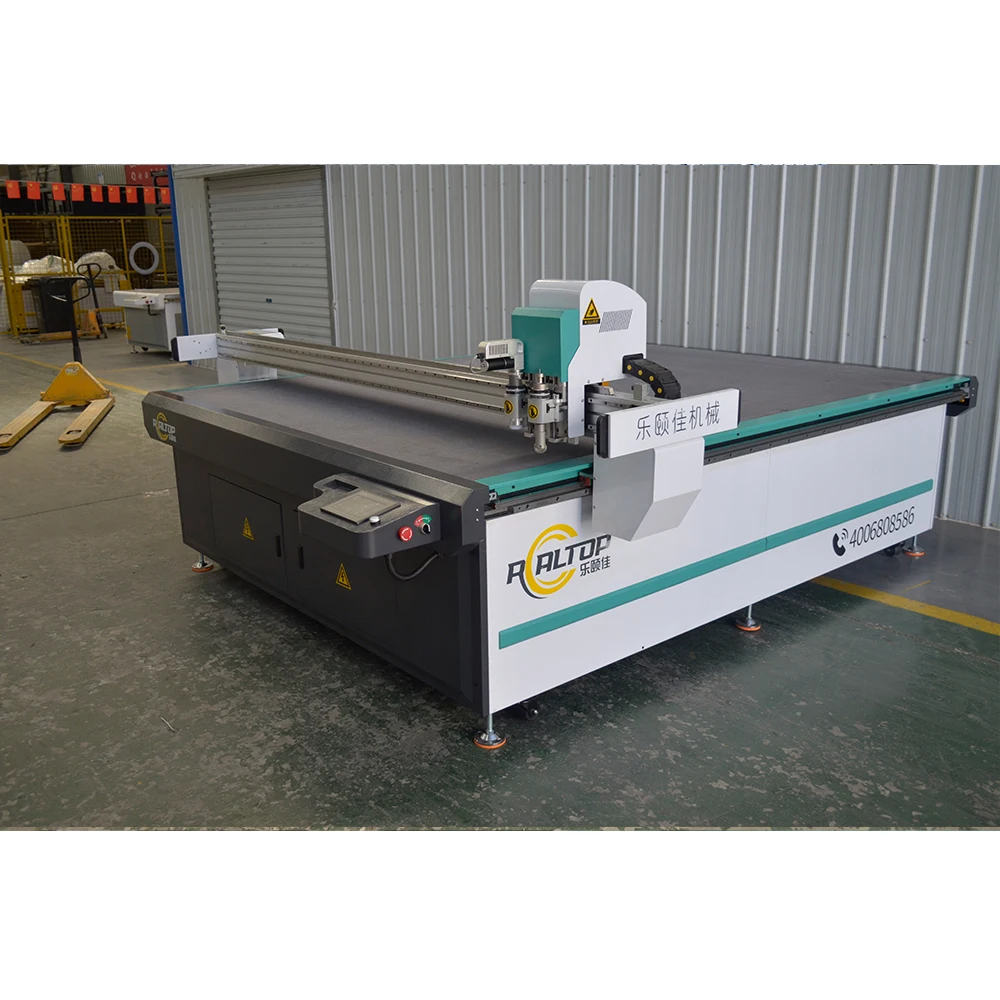
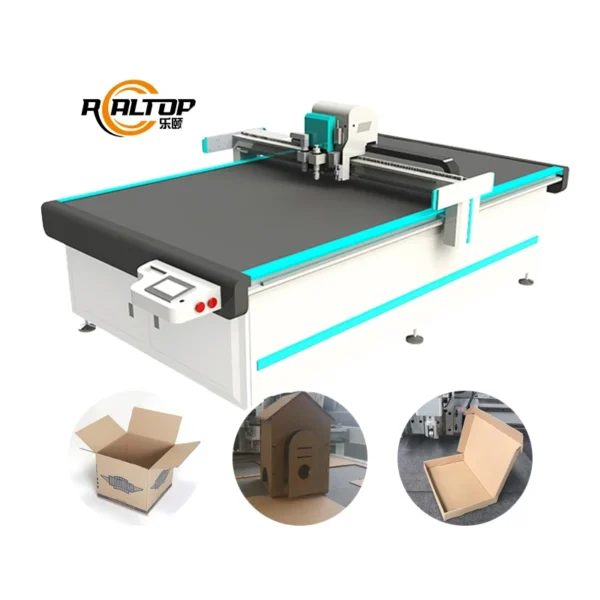
| Product Type | CNC Oscillating Knife Cutting Machine for Packaging and Carton Sample Making |
| Model | RT–R2513 / RT-D2516 / RT-S2516 |
| Working Area | 2500×1300 mm (RT–R2513) / 1600×2500 mm (RT-D2516 / RT-S2516) |
| Machine Size | 3550×1910×1400 mm (RT–R2513) / 3450×2300×1250 mm (RT-D2516 / RT-S2516) |
| Rated Power | 9 kW |
| Voltage | 380V (frequency to be confirmed: 50Hz or 60Hz) |
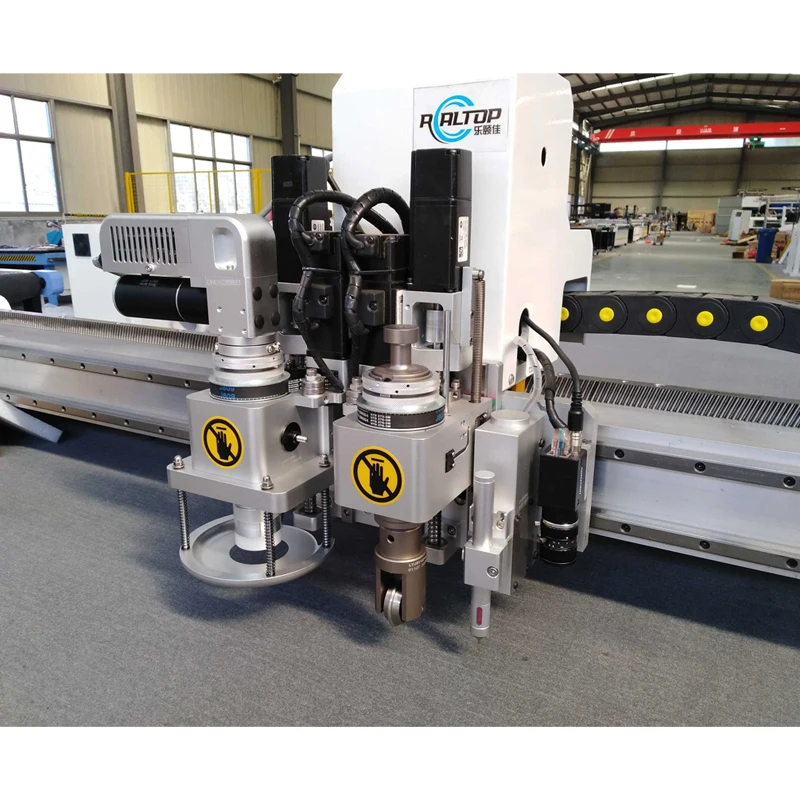
| Cutting Tools | Oscillating knife, creasing tool, kiss-cut knife tool, round punch |
| Cutting Thickness | ≤18 mm (basis not stated in source — confirm material type and density) |
| Cutting Materials | Leather, labels, cardboard boxes, paper, stickers, PP paper |
| Fixing Method | Vacuum system with aluminum alloy honeycomb structure |
| Repeated Accuracy | <0.05 mm |
| Servo Motor | Dongling servo (Delta servo motor available as alternative configuration) |
| Guide Rail | Taiwan Hiwin rail |
| Safety Device | Infrared sensors and emergency stop |
| Profile Formats | DXF, OLT, PDF, AI |
| Language Options | English, Russian, Italian, Chinese (special languages customizable) |
| Software | Professional carton nesting software (included) |
| Delivery Time | <30 working days |
| Warranty | 1 year (excludes felt and knife blades) |
Application Suitability
| Application | Material or Output |
|---|---|
| Packaging carton sample making | Single, double, and triple-wall corrugated cardboard up to 18 mm |
| Cardboard box prototyping and short-run production | Kraft liner, flute media, and coated folding carton stock |
| Sticker and label contour cutting | Self-adhesive vinyl, PP paper, and coated label stock |
| Gift box packaging prototyping | Greyboard, art paper, and specialty packaging board |
| Billboard and business card cutting | PVC foam board, cardstock, and laminated paper sheets |
Why "Working Area" Is the Wrong Starting Point for Carton Sample Cutting
Matching the tool head to your actual flute profile and sticker adhesive layer matters far more than table dimensions.
Too many packaging buyers begin their search by typing a working area into a search bar and stopping there. I watched a customer receive a machine that handled their copper-coated sample cards perfectly, only to discover it could not push through the three-layer corrugated board their production floor actually ran. They spent two days adjusting parameters on the shop floor and nearly sent the machine back. That mismatch happens when a machine is sold on footprint instead of material behaviour. [NEED_CITE: common buyer mistakes in CNC carton sample equipment selection]
When you evaluate CNC oscillating knife cutting machine specifications for packaging work, the conversation needs to start with your thickest routinely run board, your most adhesive sticker stock, and your daily sheet volume. Working area determines how many parts you nest per sheet; tool head and vacuum zoning determine whether those parts cut cleanly and stay flat.
How Tool Head Selection Separates Clean Creases from Crushed Flutes
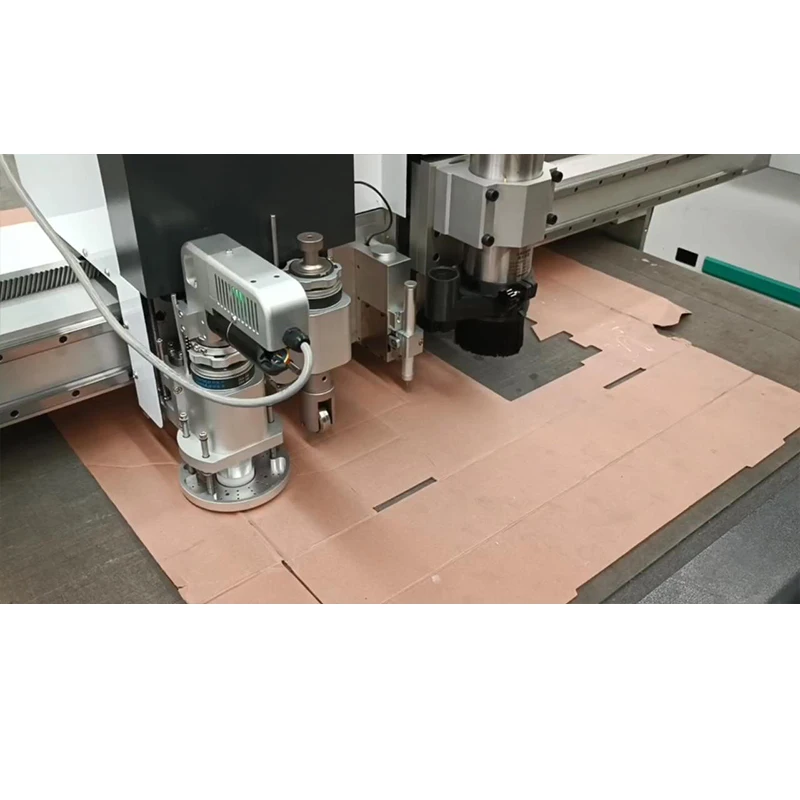
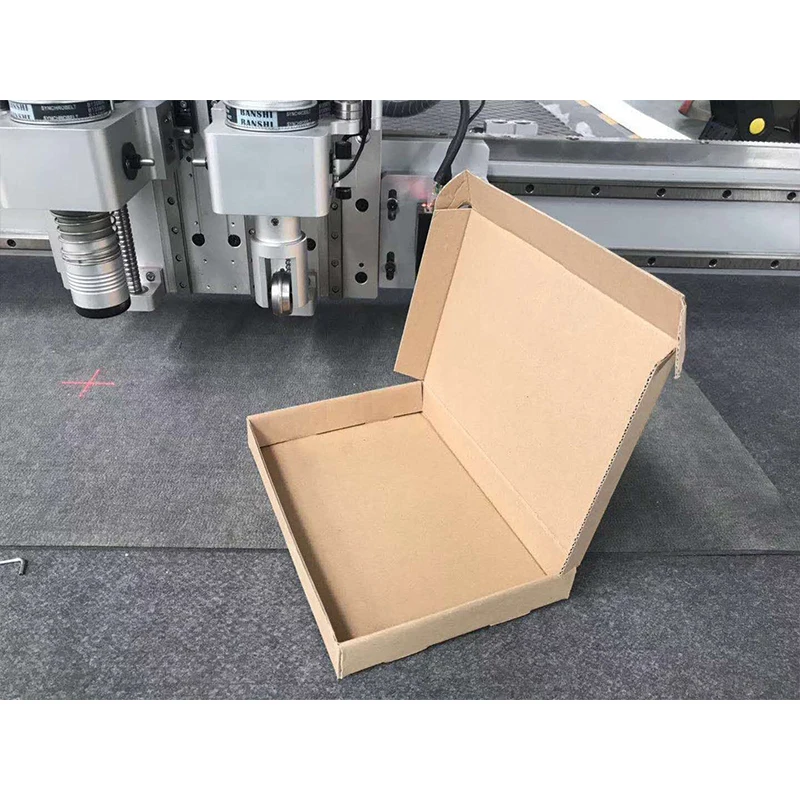
A corrugated carton sample needs two things in one pass: a through-cut on the outline and a controlled crease on the fold line. If the creasing wheel is too narrow for your flute pitch, it crushes adjacent walls instead of compressing the liner. The RT series offers an oscillating knife for through-cuts, a dedicated creasing tool for fold lines, a kiss-cut knife for sticker face stocks that must leave the backing intact, and a round punch for registration holes or hang slots. Choosing the right combination means your carton sample comes off the table ready to fold without secondary finishing.
Vacuum Zoning That Holds Small Label Parts Flat at Speed
The aluminum alloy honeycomb vacuum platform is divided into zones, so suction concentrates under the active cutting area rather than bleeding across the entire table. This matters most when you are running small stickers or business card tags: a large-format table with a single vacuum zone loses grip on small nested parts, and they lift into the knife path, causing ragged edges and mid-job stoppages. Zoned adsorption keeps each label pinned to the felt until the last cut releases it. [NEED_CITE: vacuum adsorption principles for flatbed digital cutting tables]
Reading the Specs That Actually Govern Edge Quality
Repeated accuracy of <0.05 mm is achievable because the Hiwin linear guide rails and servo drive eliminate the backlash that cheaper belt-driven systems introduce on direction changes. When the knife reverses at the corner of a carton flap, any play in the carriage shows up as a visible step on the folded edge. The 9 kW rated power covers the vacuum pump load and the oscillating knife motor simultaneously, so cutting force does not drop when suction is at maximum. File format support for DXF, OLT, PDF, and AI means your existing nesting files import without redrawing, and the included carton nesting software optimises yield across mixed-part sheets.
What Happens When Configuration Is an Afterthought
I have seen the consequences firsthand. A wrong creasing wheel diameter on coated board leaves a visible crack along the fold instead of a clean score. Insufficient vacuum zoning on a sticker run means the operator pauses every few sheets to peel mis-cut labels off the felt, destroying any throughput advantage the machine’s speed might have offered. And if the software cannot import the buyer’s AI files natively, every new design goes through a manual redraw that introduces tolerance drift between the print and the cut. [NEED_CITE: material-specific tooling requirements for oscillating knife packaging cutters]
Why Buyers Come Back for a Second Machine
The in-house design team covers both knife and laser cutting technologies, so when a packaging buyer also needs acrylic display stands, the cutting method is matched to each material rather than forced onto one platform. Every tool head and table zone is documented in a configuration list tied to your specific board grade and sticker adhesive type. Sample cutting runs on your own material before commitment, so you see the crease, the kiss-cut depth, and the edge quality on your production stock — not on a showroom demo sheet. Software compatibility is confirmed with your file formats before the order is placed, and voltage and frequency are locked to your facility supply. The CE declaration accompanies the documentation package where applicable.
Documentation & Verification
- Sample cutting report on your specific cardboard flute and sticker adhesive before order confirmation
- Tool head and vacuum zone configuration list matched to each material in your product mix
- Software licence and file format compatibility note confirming DXF, AI, or PDF import without conversion loss
- Electrical schematic and voltage confirmation sheet matching your local 380V supply and frequency
- Factory test record with repeated accuracy measurement on your carton sample design before dispatch
- Operation and maintenance manual in your selected control language
Installation, Commissioning & Support
- Floor space planning based on the 3550×1910 mm or 3450×2300 mm machine footprint plus operator clearance
- Dedicated 380V circuit with confirmed frequency and plug type before wiring on site
- Vacuum pump and auto-feeding conveyor commissioning with your actual sheet stock
- Creasing wheel and oscillating knife calibration on your production board thickness range
- Operator training covering nesting software, tool change, and vacuum zone adjustment
- Spare oscillating blade stock and felt replacement schedule documented at handover
What to Send with Your Inquiry
Start with your most challenging material: the thickest corrugated flute you run, the stickiest label stock, or the most intricate carton flap geometry. Include your standard sheet size and daily volume so we can recommend the working area and auto-feeding configuration. Confirm your local voltage, frequency, and preferred control language so the electrical cabinet and interface match your workshop before shipment. If you have existing nesting files, send a sample DXF or AI so we verify software compatibility during the sample cutting stage.
Frequently Asked Questions
Q: How do I choose between the oscillating knife and the creasing tool for different board thicknesses?
A: The oscillating knife handles through-cuts on flute profiles up to the machine’s rated thickness, while the creasing tool compresses the liner for fold lines without severing it. The correct creasing wheel diameter depends on your flute pitch and board density. We run sample cuts on your actual board to confirm the crease holds without cracking the coated surface.
Q: Will the vacuum table hold small sticker labels flat during high-speed contour cutting?
A: The honeycomb platform uses zoned adsorption so suction concentrates beneath the active cutting area. Small labels that would lift on a single-zone table stay pinned until the final cut releases them. Zone configuration is set during commissioning based on your smallest label dimensions.
Q: Can the software import my existing carton designs without redrawing?
A: The included nesting software reads DXF, OLT, PDF, and AI files natively. Before you place an order, send us a sample file from your current workflow and we confirm import accuracy, layer recognition, and tool path assignment during the sample cutting stage.
Q: What voltage and language options are available for export markets?
A: The standard supply is 380V with frequency confirmed to your local grid. Control language options include English, Russian, Italian, and Chinese, with other languages configurable. Voltage, plug type, and language are locked before production to avoid on-site rewiring or interface confusion.
Q: How is the kiss-cut depth set so it cuts the label face but not the backing?
A: Kiss-cut depth is calibrated against your specific label stock and adhesive layer during sample testing. The operator adjusts knife penetration using the software’s depth parameter, and we document the setting so your production team can replicate it on repeat orders of the same material.


商品评价
Clear filtersThere are no reviews yet.