
Blog
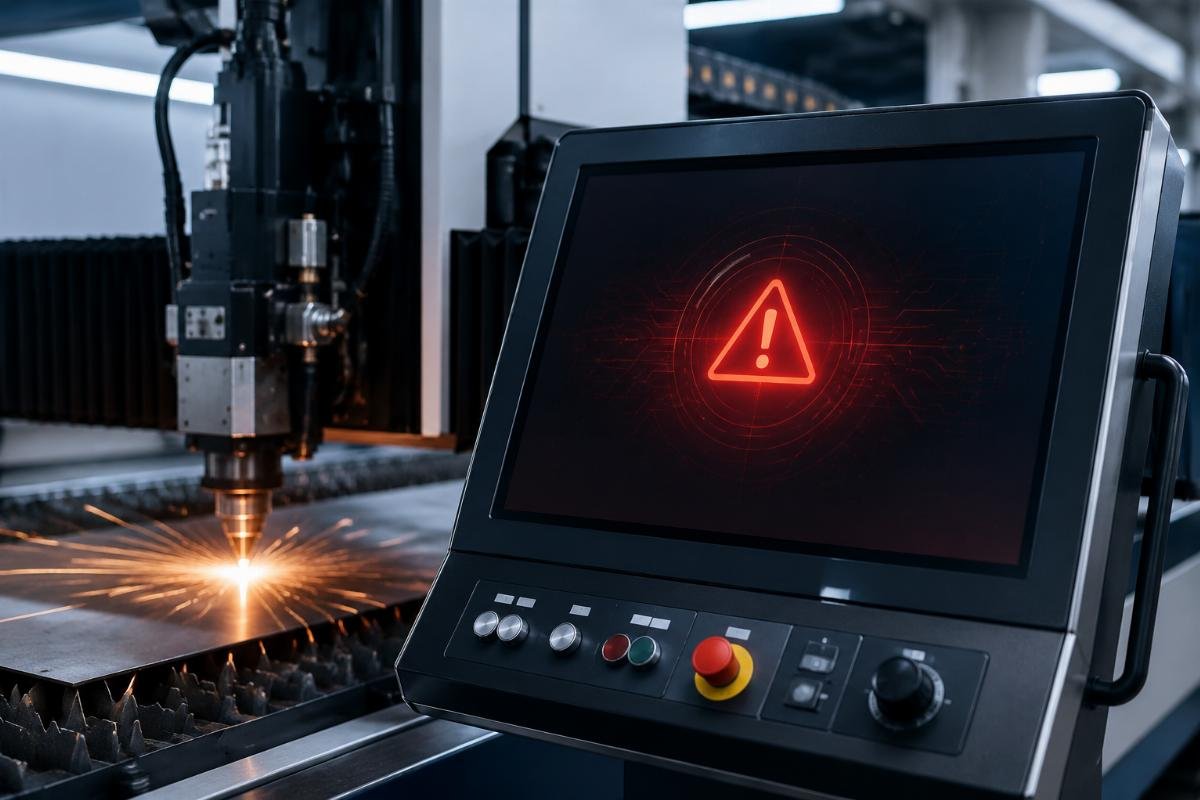
What should you do when your knife cutting machine displays a fault code?

What should you do when your knife cutting machine displays a fault code?
You see a fault code flash on your machine's control panel. Your production line stops. The pressure to restart quickly pushes you to interpret the code yourself—but misreading what that code actually signals can turn a 10-minute fix into a multi-day shutdown.
A supplier-provided fault code table is a triage tool that helps you classify problem severity and decide whether to attempt self-resolution or call technical support immediately. It does not replace professional diagnosis—it guides your first response to minimize downtime and prevent damage from incorrect intervention.
At Realtop, we handle hundreds of customer fault reports each year. Most extended downtime cases we see do not come from complex technical failures—they come from customers spending days attempting self-fixes on problems that required immediate supplier involvement. This post shares what we have learned from those support calls to help you use fault code tables correctly.
Why do fault code tables confuse operators who need them most?
The first call we receive often starts with "the machine shows error E024, we checked the manual, it says sensor fault, but all sensors look fine." The customer spent two days checking physical sensors while the actual problem was a loose controller connection that took us 15 minutes to identify remotely.
Fault code tables confuse operators because technical terminology does not map to visible machine behavior, causing a gap between what the code names and what you can physically observe on the machine floor.

The terminology translation gap
Fault codes use engineering language written by control system designers. When a code says "Axis Y servo alarm," operators see a physical Y-axis rail that moves normally during manual jogging. They report "the machine moves fine, so the code must be wrong"—not realizing the alarm refers to position feedback signal interruption that only appears during automatic cutting cycles under load.
This translation gap creates three common misinterpretations:
| Code Description | What Operator Thinks | What It Actually Signals |
|---|---|---|
| "Sensor timeout" | Physical sensor is broken | Controller did not receive expected signal within time window—could be wiring, configuration, or actual sensor |
| "Emergency stop triggered" | Someone pressed E-stop button | Safety circuit opened—could be door switch, light curtain, or actual E-stop; button is only one possibility |
| "Motor overload" | Motor is physically hot or making noise | Current draw exceeded threshold—could be mechanical binding, incorrect parameter, or motor issue |
We review support tickets every month. Over 60% of cases where customers "checked everything the code table said" actually involved checking the wrong physical components because they matched the code's label to the closest visible part.
The confidence-severity mismatch
The second pattern we see repeatedly: customers assume that if a code appears in their printed fault table, they should be able to fix it themselves. This assumption causes the most damaging delays.
A customer called us four days after their machine stopped with code E031—"knife depth sensor error." Their table listed this code, so they spent those four days replacing the sensor, checking wiring, and adjusting mounting brackets. When we finally received photos, we saw the actual problem in the first image: the sensor mounting plate had cracked from material impact, causing intermittent signal loss that no component replacement could fix. The plate needed structural repair that required stopping work immediately to prevent complete sensor assembly failure.
The code table included E031 because it is a common error. But inclusion in the table does not mean the problem is user-solvable—it means the problem is identifiable by the control system. Severity and solvability are independent variables.
Which fault codes should trigger an immediate call to your supplier?
Last month, a customer ran their machine for three days with intermittent code E047—"controller temperature warning." The code appeared briefly during heavy cutting, then cleared. They continued production because the table description seemed minor and the machine kept working. On day four, the controller shut down completely from accumulated thermal stress. What could have been a simple cooling system cleaning became a controller replacement with one-week lead time.
Fault codes that involve safety systems, control hardware, or appear intermittently without clear cause should trigger immediate supplier contact, regardless of how the code table describes them or whether the machine continues operating.

The escalation decision matrix
After reviewing three years of support cases, we built an internal decision matrix that we now share with customers during installation training. This matrix has reduced average resolution time by 40% because it helps operators classify severity correctly at first code appearance.
Immediate escalation required:
- Any code containing words "controller," "servo drive," "power supply," "system"—these indicate control hardware issues that require diagnostic tools customers do not have
- Codes that appear intermittently or randomly—these signal unstable conditions that will worsen and are difficult to troubleshoot without historical data logging
- Codes that appear after software updates, parameter changes, or new material testing—these indicate configuration mismatches that need supplier verification
- Any code combined with unusual machine behavior (strange noises, inconsistent cutting, abnormal motor movement)—this combination suggests the code is a symptom, not the root cause
Attempt listed self-checks first, then escalate if unresolved within 2 hours:
- Codes explicitly mentioning consumable parts (knife, cutting mat, belt)—these often resolve with part inspection or replacement
- Codes with clear mechanical causes (material jam, limit switch, door open)—these map directly to physical checks
- Codes that appeared immediately after specific operator actions (emergency stop, material loading, manual movement)—these usually relate to resetting the action's consequences
Self-resolvable with code table guidance:
- Codes with step-by-step reset procedures in the table—these are designed for operator handling
- Codes that clear after machine restart and do not reappear—these often indicate temporary signal glitches
- Codes related to material loading or external equipment (vacuum pump, dust collector)—these involve systems separate from core cutting functions
We tell customers during training: "If you are not 100% certain which category a code belongs to, move it up one severity level." This rule prevents the extended downtime we see when customers guess wrong.
The documentation you need before calling
When you decide to escalate, the information you provide determines how quickly we can help. We need three things immediately:
First, the exact fault code as displayed—not your interpretation of what it might mean. We have seen cases where customers reported "sensor error" when the actual code was E013 versus E031, which are completely different problems despite similar descriptions.
Second, what the machine was doing when the code appeared—the specific job file, material type, cutting speed, and how far into the job the error occurred. Controller logs show us the code, but only you can tell us the production context.
Third, photos or video of the machine state when the code appeared—controller screen showing the full code, the cutting head position, material condition, and any visible damage or unusual conditions. We can often diagnose from photos in minutes, while verbal descriptions of "something looks wrong" require multiple clarification calls.
Last week, a customer sent us a 15-second video showing their machine stopping mid-cut with error code E028. We could see in the video that the knife was already broken before the code appeared—the error was consequence, not cause. We guided them to inspect for material contamination that broke the knife, rather than troubleshooting the sensor that correctly reported the break. Video solved in one call what would have taken days of back-and-forth description.
How should maintenance staff interpret codes differently than operators?
We train customer maintenance teams separately from operators because their responsibilities require different code table usage. An operator needs to know "stop or continue," while maintenance needs to know "what data to collect before the problem disappears."
Maintenance staff should use fault code tables as investigation starting points that define which system logs, measurements, and physical inspections to document, not as diagnostic conclusions that define repair actions.

The investigation checklist approach
Our most effective maintenance customers treat every fault code as triggering a standard checklist, regardless of what the code description says. They document findings from the checklist, then use those findings plus the code to determine next steps.
For any fault code, their checklist includes:
Environmental factors:
- Ambient temperature (controller errors correlate with summer heat in non-air-conditioned facilities)
- Humidity levels (intermittent electrical codes often trace to condensation)
- Power quality (voltage sags during high-demand periods cause servo alarms)
- Recent facility changes (new equipment on shared circuits, construction vibration)
We can predict seasonal support call patterns now. Every June, we receive clusters of controller temperature codes from customers in hot climates who did not realize their ventilation fans needed cleaning. Every November, facilities that shut down summer cooling see condensation-related electrical intermittents when they restart.
Operating context:
- How many hours since last code appearance (isolated vs. recurring)
- What changed since last successful operation (material, job file, operator, shift)
- Total machine hours and hours since last maintenance service
- Recent consumable part changes (new knife batch, different mat supplier)
A customer called with repeated knife depth errors. Their checklist documentation showed the errors only appeared when cutting a specific material batch received two weeks earlier. We tested that material in our lab and found thickness variation of 0.8mm within single sheets—enough to trigger depth sensor alarms. The code was correct; the material was the problem. Without systematic context documentation, they would have replaced sensors unnecessarily.
Physical evidence collection:
- Photos of controller screen showing full error message and any additional status indicators
- Photos of cutting area showing material position, knife condition, cut quality before error
- Measurement of any relevant physical parameters (belt tension, blade exposure, vacuum pressure)
- Export of controller error log covering 24 hours before fault
This physical evidence becomes critical when intermittent problems appear. One customer had random E-stop codes that never occurred when we visited on-site. Their maintenance team had photographed the controller screen every time the code appeared over two weeks. When we reviewed all photos together, we noticed the machine's hour meter showed the errors clustered around the same time each day—right when a nearby press machine started its cycle. Investigation found electrical noise from the press was coupling into the emergency stop circuit. The code was real, the cause was external, and only systematic documentation revealed the pattern.
When to rebuild history versus fix forward
Maintenance staff face a decision operators do not: whether to investigate root cause or just reset and continue. The fault code table gives you the code name, but your decision should depend on whether this is the first or fifteenth occurrence.
For first-time codes with no pattern, we recommend reset and document—clear the error, verify the machine returns to normal operation, log the occurrence, and continue production while monitoring for recurrence. Most single-occurrence codes result from temporary conditions (material dust on sensor, brief power fluctuation, operator pressed two buttons simultaneously) that do not warrant production stoppage for investigation.
For recurring codes, even if they clear easily each time, stop and investigate before resetting. We have seen cases where customers reset the same "minor" error daily for weeks, until the day it stopped clearing and became a major failure. A tension sensor code that appeared every morning for a month turned out to be a bearing wearing progressively—each reset worked until the bearing finally seized and damaged the belt drive system. The early codes were warnings the system tried to give; treating them as nuisances rather than investigation triggers turned a bearing replacement into a system rebuild.
What should you expect from your supplier's technical support response?
When you contact Realtop technical support with a fault code, our first question is not "what does the code say"—it is "what decision do you need to make right now?" This question shapes our response because your immediate need might be production continuation rather than complete diagnosis.
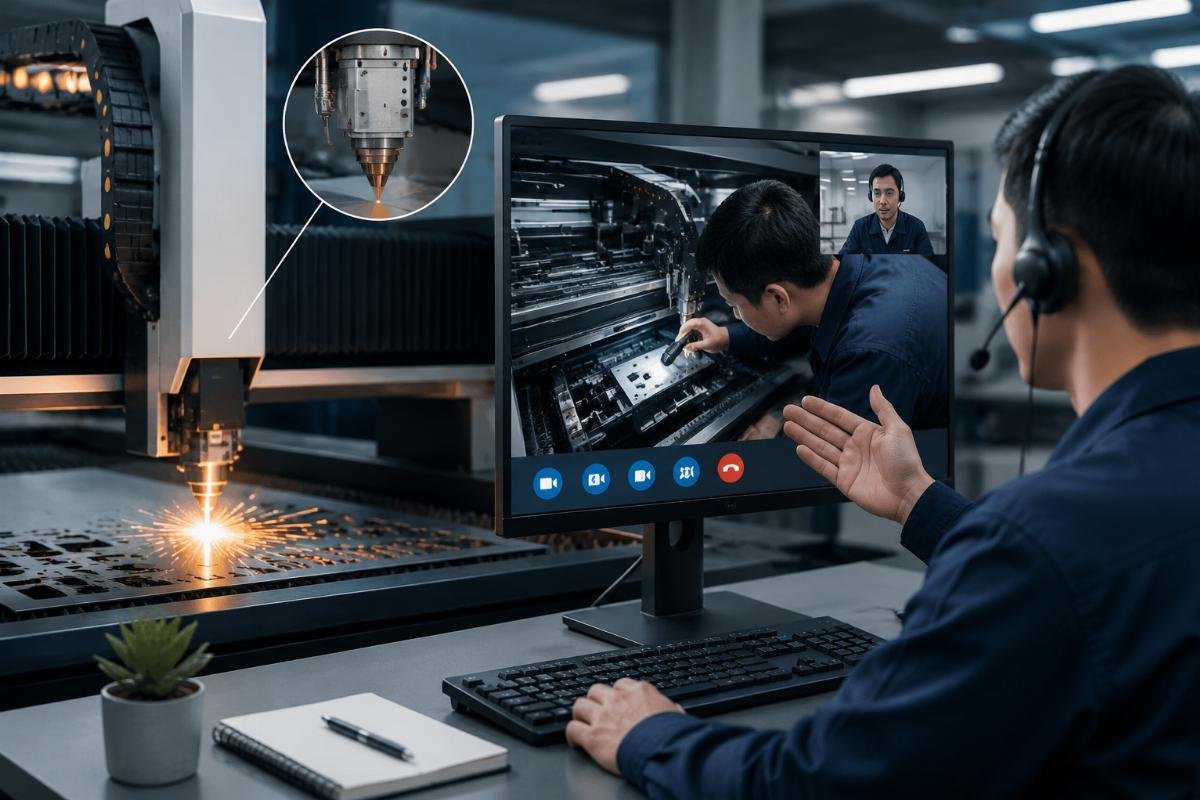
Effective technical support should provide a decision pathway within the first call: immediate actions to verify safety, temporary workarounds if available, timeline for complete resolution, and clear criteria for when to stop attempting workarounds and wait for supplier intervention.
The layered response structure
Our support protocol has three response layers that we explain to customers during that first call:
Layer 1 - Immediate safety verification (first 5 minutes):
We verify the machine is safe to approach and whether the error condition poses any risk of injury or additional damage. Some codes—particularly servo alarms or emergency stop triggers—can indicate unsafe mechanical states even though the machine appears stopped normally. We guide you through specific checks before any troubleshooting begins.
A customer called with a Z-axis servo alarm. Before any diagnostic questions, we asked them to verify the cutting head was fully retracted and the Z-axis motor was not making any sound. They reported the head was mid-height and the motor was buzzing faintly. We immediately told them to disconnect power before approaching the machine—the servo alarm indicated a holding brake failure, and the head could drop unexpectedly. Safety verification prevented potential injury.
Layer 2 - Production decision guidance (next 15 minutes):
We determine whether you can continue production safely using workarounds, alternative processes, or reduced capability while we arrange complete resolution. This decision depends on your production urgency, the risk of workaround use, and how quickly we can provide full repair.
For non-critical codes with simple workarounds (reduce speed, avoid certain cut patterns, use manual mode for specific operations), we provide detailed workaround instructions and explain exactly what risks these workarounds carry and how long they remain safe to use.
For critical codes requiring immediate repair, we explain why no safe workaround exists and help you plan production alternatives while we mobilize repair resources.
Last month, a customer had an urgent order and called with a knife rotation sensor fault. We determined the sensor was providing intermittent readings but the knife was actually rotating correctly—the code reflected sensor failure, not knife failure. We provided a workaround that disabled sensor error checking specifically for that sensor while scheduling sensor replacement for after the urgent order completed. This workaround was safe for short-term use because we could verify through other parameters that knife rotation was normal. We explained the workaround was valid for only 48 hours of production because running without sensor protection increased risk if actual knife problems developed.
Layer 3 - Complete resolution pathway (remainder of call and follow-up):
We explain the steps to complete diagnosis, part lead times if replacement is needed, whether on-site service is required, and the expected total timeline from call to resolved. This pathway includes decision points where we need additional information from you or where you need to decide between options (repair vs. replace, wait for parts vs. use temporary workaround).
We schedule follow-up checkpoints rather than leaving you waiting without updates. If we say "we will analyze your controller logs and call back tomorrow," we call back tomorrow even if analysis is incomplete—the callback confirms we are actively working your case and provides progress updates.
The information exchange that speeds resolution
Support calls extend when we need information you have not provided yet. Every round of "can you check this" and "send us photos of that" adds hours or days. We now provide customers a pre-call checklist during installation training that they can complete before calling support.
The checklist includes basic information we need for any fault code:
- Exact code as displayed on controller screen
- Machine serial number (determines exact configuration and software version)
- Description of what machine was doing when code appeared (job file, material, cutting parameters)
- Whether this is first occurrence or recurring issue
- What you already checked or attempted before calling
- Photos of controller screen, cutting area, and any visible damage or unusual conditions
When customers complete this checklist before calling, our average time-to-resolution drops from 36 hours to 8 hours—not because the problems are simpler, but because we can skip the information gathering phase and move directly to diagnosis and solution.
We also maintain a customer portal where you can upload controller log files directly. Modern CNC controllers generate detailed operational logs that record every sensor reading, motor movement, and system event. When you call with an intermittent fault, we request log file upload covering 24 hours before and after the fault. These logs often reveal patterns invisible during phone diagnosis.
A customer had random material jam codes that appeared unpredictably. Phone diagnosis found nothing wrong. When they uploaded controller logs, we analyzed three weeks of operational data and discovered the jams only occurred when cutting vector files with very short segment lengths at high speed—the material feed system could not respond fast enough to rapid direction changes. The solution was optimizing job file parameters, not repairing any physical component. Only log analysis revealed this pattern.
Conclusion
Use fault code tables as triage tools that guide your first response decision—self-check, temporary workaround, or immediate supplier contact. Treat intermittent codes and hardware-related codes as escalation triggers regardless of description, document investigation findings systematically, and provide complete context when calling support to minimize resolution time.


