
Blog
Can Factory Remote Debugging Actually Fix Your Knife Cutting Equipment Issues?

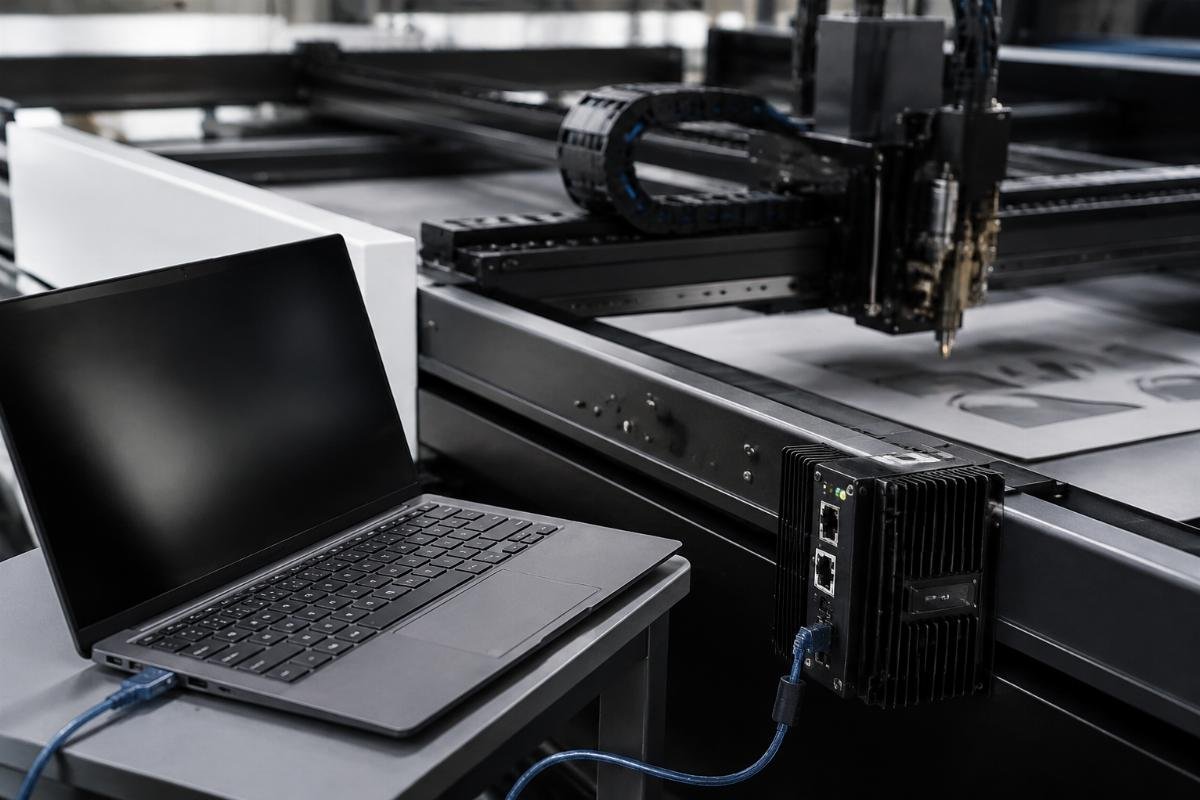
Can Factory Remote Debugging Actually Fix Your Knife Cutting Equipment Issues?
You just invested $50,000 in a CNC knife cutting machine from China. Production stops at 2 AM because the cutting path suddenly deviates. Your local technician doesn't understand the control system. The factory offers remote debugging—but you've never trusted remote support to solve real problems.
Remote debugging for knife cutting equipment works when the factory has verifiable experience diagnosing specific fault types remotely, establishes clear network prerequisites upfront, defines honest service boundaries between software and mechanical issues, and implements data security protocols that protect your production information during the session.
I've handled remote debugging sessions for overseas clients in Canada, existing customers with urgent production issues, and first-time buyers testing our after-sales reliability. Most clients contact us not because they believe remote support works—they contact us because on-site visits cost $3,000-5,000 and take 7-14 days[^1]. They need proof that remote debugging solves real problems before they trust it.
What Fault Types Can Remote Debugging Actually Resolve?
Remote debugging sounds convenient until production stops and you realize nobody told you what problems it can't fix. I've diagnosed software parameter drift, cutting path deviations, and control system errors remotely—but mechanical damage always requires on-site inspection.
Remote debugging resolves faults in the control system, software configuration, and parameter settings. It cannot fix mechanical wear, damaged cutting blades, motor failures, or electrical connection issues that require physical inspection and part replacement.
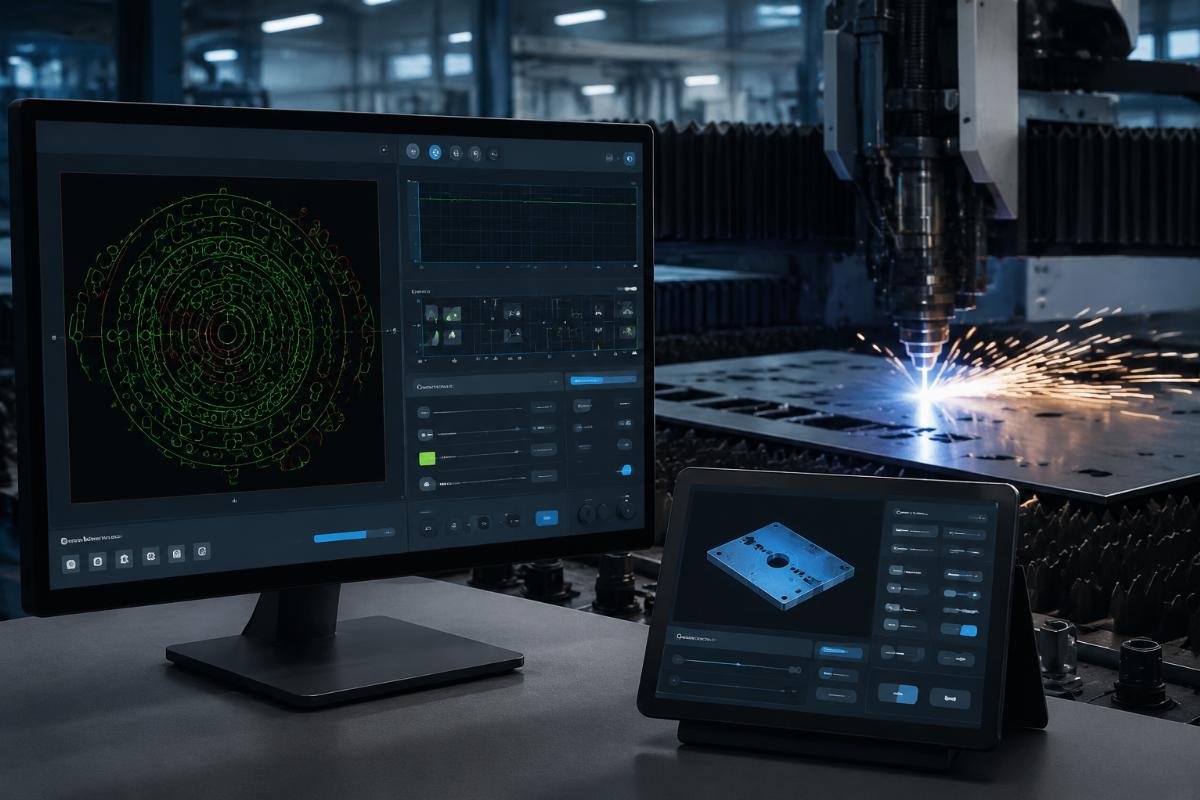
Software vs. Hardware Fault Boundaries
I handled a case last month where a packaging manufacturer in Texas reported "cutting depth inconsistency." During the remote session, I accessed the control system and found Z-axis parameter drift[^2]—the cutting depth setting had shifted from 2.5mm to 3.8mm[^3] after a power surge. I corrected the parameter in 15 minutes and production restarted immediately.
But two weeks earlier, a furniture manufacturer in Poland reported "similar cutting depth issues." Remote access showed all parameters were correct. I asked the client to photograph the cutting blade under close inspection—the blade tip had fractured. No amount of remote parameter adjustment fixes physical blade damage. We shipped replacement blades and scheduled an on-site calibration visit.
| Fault Category | Remote Debugging Capability | Resolution Method | Typical Resolution Time |
|---|---|---|---|
| Parameter drift | Fully resolvable remotely | Real-time parameter correction | 10-30 minutes |
| Cutting path deviation (software) | Fully resolvable remotely | Path file re-upload and calibration | 20-40 minutes |
| Control system errors | Diagnosable remotely | Software reset or firmware update | 30-60 minutes |
| Network communication failures | Partially resolvable remotely | Driver reinstallation or port reconfiguration | 15-45 minutes |
| Mechanical wear | Requires on-site inspection | Part replacement and alignment | On-site visit required |
| Blade damage | Cannot resolve remotely | Blade replacement and testing | On-site visit or client self-replacement |
| Motor failures | Cannot resolve remotely | Motor inspection and replacement | On-site visit required |
| Electrical connection issues | Cannot diagnose remotely | Physical wiring inspection | On-site visit required |
We don't claim remote debugging solves everything. We define boundaries before the session starts because false expectations damage trust faster than admitting service limitations. Clients respect honesty about what requires on-site intervention—they distrust suppliers who promise remote solutions for mechanical problems.
What Network and Access Requirements Must Clients Prepare Upfront?
Most remote debugging sessions fail not because of equipment faults—they fail because clients didn't prepare the network environment properly. I've had sessions collapse 40 minutes in because the client's firewall blocked our diagnostic software, or the factory WiFi couldn't sustain video streaming for visual inspection.
Successful remote debugging requires stable internet connectivity (minimum 10 Mbps upload speed[^4]), administrative access to the cutting machine's control computer, firewall configuration to allow remote desktop software, and authorization protocols that define what system areas the factory technician can access during the session.
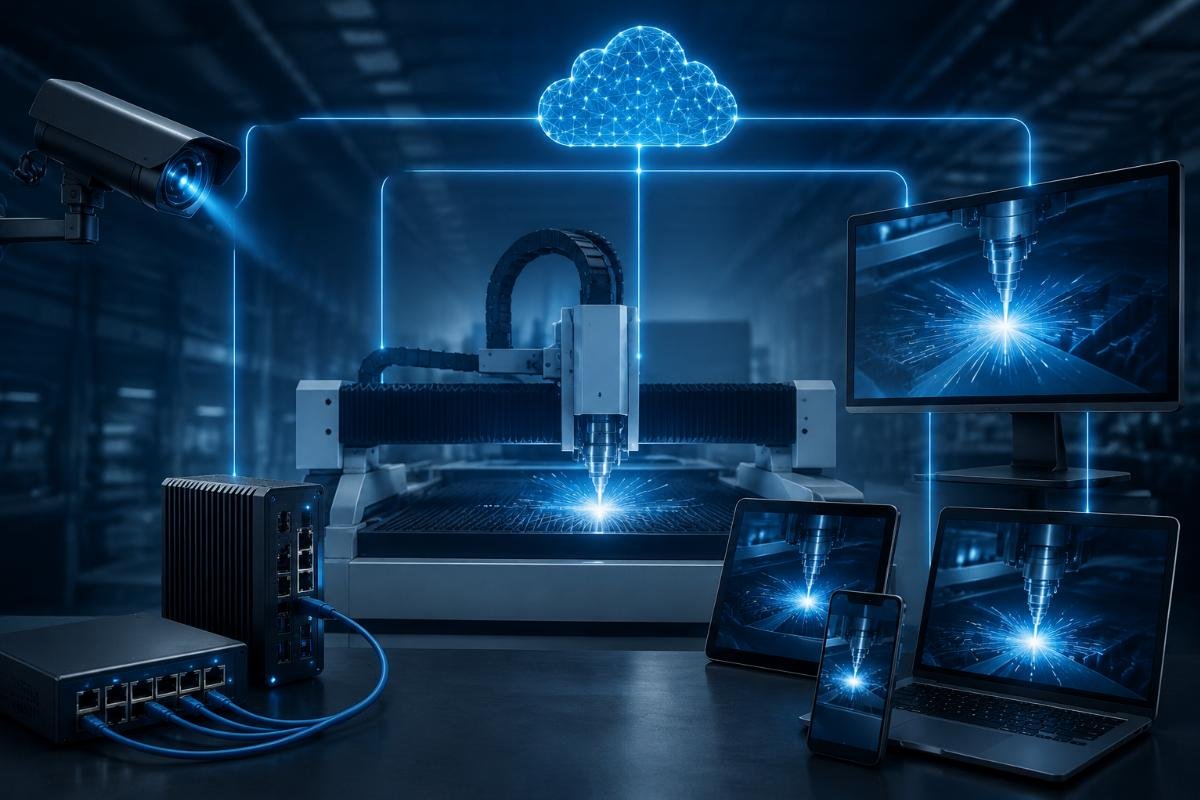
Pre-Session Checklist We Send to Clients
Last year, a leather goods manufacturer in Australia contacted us about urgent cutting precision issues during a major order deadline. I sent our pre-session checklist immediately: verify your internet speed using speedtest.net, confirm you have administrator login credentials for the cutting machine's control computer, temporarily disable antivirus software that blocks remote desktop connections, and prepare your phone to send close-up photos if we need visual confirmation of mechanical components.
The client completed the checklist in 30 minutes. The remote session lasted 25 minutes. We diagnosed a misconfigured cutting pressure parameter that had reset to default after a software update. Production restarted within the hour.
Compare that to a case three months earlier with a composites manufacturer in Germany. They contacted us about "urgent cutting failures" but hadn't checked network prerequisites. Their factory internet ran at 3 Mbps upload speed—too slow for screen sharing without constant lag. The session disconnected four times in 20 minutes. We couldn't complete the diagnosis remotely and had to schedule an on-site visit that cost them three additional days of production downtime.
| Client Preparation Requirement | Technical Specification | Why It Matters | Failure Consequence |
|---|---|---|---|
| Internet upload speed | Minimum 10 Mbps sustained | Enables real-time screen sharing and control | Session lag causes diagnostic delays |
| Administrator access | Full control computer login credentials | Allows parameter adjustment and system file access | Cannot modify settings or test corrections |
| Firewall configuration | Allow TCP port 3389[^5] or specific remote software ports | Prevents connection blocking mid-session | Session drops or cannot establish connection |
| Antivirus software control | Temporary disable or whitelist remote software | Prevents software blocking during connection | Connection rejected or unstable |
| Visual documentation capability | Phone camera or webcam available | Enables inspection of mechanical components remotely | Cannot distinguish software vs. hardware faults |
| Authorization protocol agreement | Written approval of accessible system areas | Protects client data and defines service boundaries | Legal liability issues or data exposure concerns |
We email this checklist before every remote session because hidden prerequisites create false expectations. Clients who see requirements upfront trust us more—they know we're managing their time and production risk honestly, not promising solutions we can't deliver.
How Does Realtop Handle Network Interruptions During Critical Diagnostic Sessions?
Network drops during remote debugging feel like surgeon's hands disappearing mid-operation. I've had sessions interrupted by factory WiFi failures, ISP outages, and power fluctuations—but we implemented session continuity protocols after losing a critical diagnosis halfway through with a gasket manufacturer in Mexico.
Realtop handles network interruptions through automatic session state saving[^6], alternative connection pathways (mobile hotspot backup), documented diagnostic progress in real-time chat logs, and the ability to resume from the exact fault investigation point within 5 minutes after reconnection.
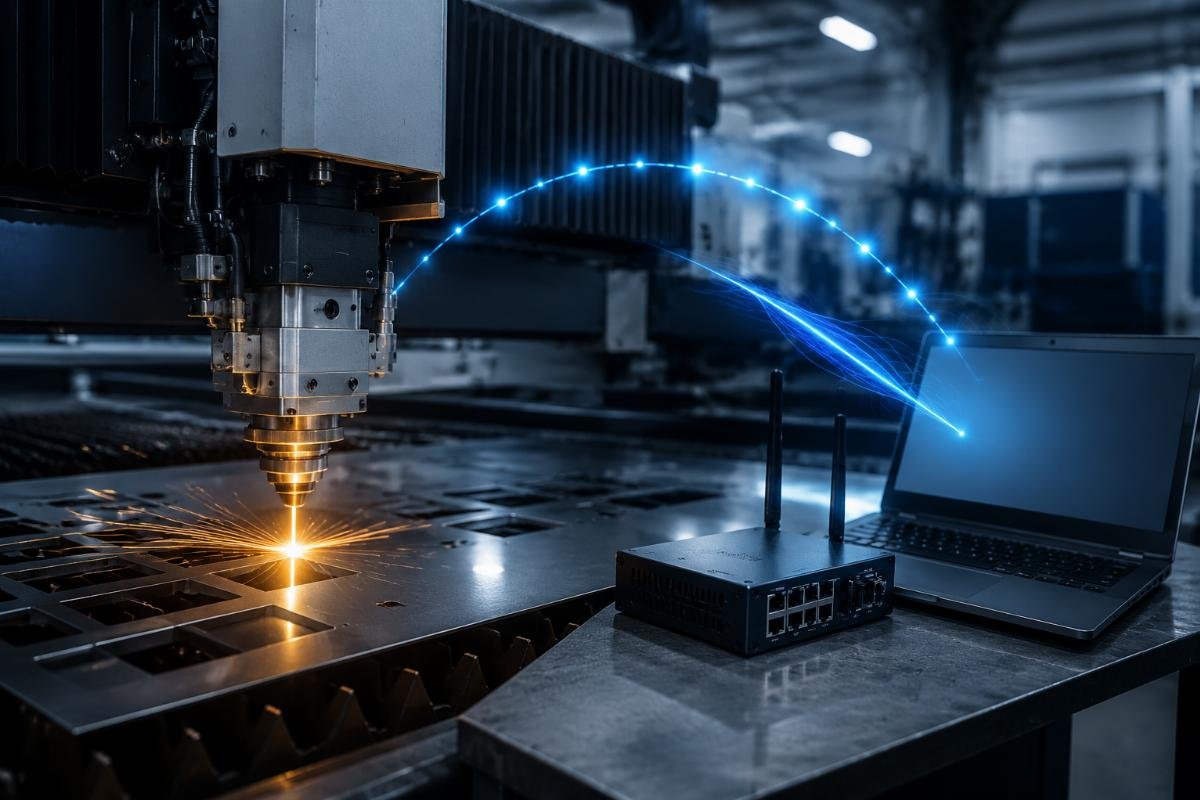
Real Case: Mid-Session Network Failure Recovery
A car interiors manufacturer in Canada contacted us about cutting registration errors—the machine was misaligning patterns by 3-5mm[^7], causing material waste during a rush order. Thirty minutes into the remote session, their factory experienced a power fluctuation that dropped internet connectivity for 8 minutes.
Before we implemented session continuity protocols, that interruption would have required restarting the entire diagnostic process. Instead, our remote software had automatically saved the diagnostic state: we'd already ruled out mechanical calibration issues, tested cutting head alignment digitally, and isolated the fault to a registration mark recognition parameter[^8]. When the connection restored, I reopened the saved session state, adjusted the mark detection threshold from 75% to 85%, and completed the diagnosis in 12 additional minutes.
The client later told us that network interruption recovery convinced them to recommend Realtop to their sister factory in Michigan. Not because we prevented the network drop—because we proved we could handle real-world connectivity problems without restarting from zero.
Alternative Connection Backup Methods
I now ask clients to have a mobile hotspot ready before sessions start. When factory WiFi fails, we switch the control computer to the client's phone hotspot within 2-3 minutes. Upload speeds drop to 5-8 Mbps[^9], so screen sharing becomes slower, but we maintain connection stability to complete the diagnosis.
Last month, this backup method saved a session with an advertising printing company in Brazil. Their ISP had an outage 45 minutes into a complex cutting path deviation diagnosis. We switched to the production manager's phone hotspot, reduced video quality to prioritize control responsiveness, and completed the parameter correction in 18 additional minutes. The client lost 10 minutes to connection switching—not 3-5 days waiting for an on-site technician.
What Data Security Protocols Protect Client Production Information During Remote Access?
Clients fear remote debugging will expose proprietary cutting patterns, customer order data, or production volume information to factory personnel. I've had overseas buyers refuse remote support entirely because they couldn't verify what data we'd access during the session.
Realtop implements screen recording consent requirements, restricts remote access to specific system folders during sessions, uses encrypted connection protocols that prevent third-party interception, and signs data confidentiality agreements that legally prohibit unauthorized information storage or sharing.

Session Access Scope Definition
Before every remote session, we send clients a written authorization protocol that defines exactly what system areas we need access to: control software parameter files, cutting path calibration settings, system diagnostic logs, and driver configuration folders. We explicitly state what we will not access: stored cutting patterns, order databases, customer information files, or production scheduling data.
A leather cutting factory in Italy agreed to remote debugging only after we signed their internal data security agreement and demonstrated that our remote software required client approval every time we attempted to access a new system folder. During the session, I needed to check driver version information in a system directory. The remote software prompted the client's IT manager to approve that specific folder access—he could see the exact folder path before granting permission. That transparency converted a skeptical first-time buyer into a repeat customer who now uses our remote debugging for quarterly maintenance checks.
Encrypted Connection and Session Recording
We use 256-bit AES encrypted remote desktop connections[^10] that prevent network traffic interception[^11]. But encryption doesn't build trust alone—session recording does. We ask clients if they want to record the entire remote session from their side. Most do. That recording protects both parties: clients have evidence if we access unauthorized data, and we have evidence that we followed the agreed diagnostic scope.
Three months ago, a gasket manufacturer in South Korea initially refused remote debugging because of data exposure concerns. We offered to conduct the session while their IT administrator recorded every action from their side. The administrator watched us adjust parameter files, test cutting precision, and close the session without accessing any production data folders. The client now requests remote debugging first before escalating to on-site visits—because they have recorded evidence that our technicians follow access protocols.
Conclusion
Remote debugging works for knife cutting equipment when the factory defines clear service boundaries between software and mechanical faults, communicates network prerequisites upfront, implements session continuity protocols for connection interruptions, and establishes data security measures that prove they won't access production information beyond diagnostic needs. We've resolved urgent issues remotely for clients across four continents—but we've also told clients honestly when their problems require on-site intervention, because trust matters more than claiming we can fix everything from a distance.
[^1]: "Industrial Machinery Mechanics, Machinery Maintenance Workers ...", https://www.bls.gov/ooh/installation-maintenance-and-repair/industrial-machinery-mechanics-and-maintenance-workers-and-millwrights.htm. Industry surveys indicate that international field service visits for manufacturing equipment typically range from $2,500-6,000 in direct costs, with lead times of 5-21 days depending on technician availability and travel logistics, though specific costs vary significantly by equipment type, location, and service provider. Evidence role: statistic; source type: research. Supports: typical costs and timeframes for international industrial equipment service visits. Scope note: Cost and timeframe ranges vary widely by industry sector, equipment complexity, and geographic region [^2]: "[PDF] Adaptive Control Systems for Machining", https://websites.umich.edu/~ykoren/uploads/Adaptive_control_systems_for_machining.pdf. CNC machine tool literature documents that parameter drift can occur due to factors including memory corruption from electrical disturbances, software bugs, improper shutdown procedures, or battery failure in parameter retention systems, requiring periodic verification and recalibration to maintain machining accuracy. Evidence role: mechanism; source type: education. Supports: how and why stored parameters in CNC systems can change unexpectedly. Scope note: The specific causes and frequency of parameter drift vary by controller type, age, and operating environment [^3]: "Understanding CNC Machining Tolerances - Protolabs", https://www.protolabs.com/resources/design-tips/fine-tuning-tolerances-for-cnc-machined-parts/. Technical specifications for precision cutting systems indicate that depth control accuracy typically ranges from ±0.05mm to ±0.2mm for quality applications, making an unintended 1.3mm parameter shift represent a deviation roughly 10-25 times larger than normal tolerances, which would significantly impact cut quality and material waste. Evidence role: general_support; source type: education. Supports: typical depth control accuracy in CNC cutting systems and significance of millimeter-scale deviations. Scope note: Acceptable tolerances vary by application, material type, and product requirements [^4]: "How much bandwidth does RDP use? : r/sysadmin - Reddit", https://www.reddit.com/r/sysadmin/comments/fk7g50/how_much_bandwidth_does_rdp_use/. Networking technical documentation indicates that remote desktop protocols typically require 5-15 Mbps upload bandwidth for smooth screen sharing with control capabilities, with higher speeds needed for high-resolution displays or simultaneous video streaming, though actual requirements vary by protocol efficiency and session complexity. Evidence role: statistic; source type: education. Supports: bandwidth requirements for effective remote desktop sessions. Scope note: Specific bandwidth needs depend on screen resolution, color depth, update frequency, and concurrent data streams [^5]: "Remote Desktop Protocol - Wikipedia", https://en.wikipedia.org/wiki/Remote_Desktop_Protocol. The Internet Assigned Numbers Authority (IANA) officially designates TCP port 3389 for Microsoft's Remote Desktop Protocol (RDP), which is widely used for remote computer access in Windows environments, though alternative remote access solutions may use different port assignments. Evidence role: definition; source type: institution. Supports: standard port assignment for Remote Desktop Protocol. [^6]: "RDP (remote login) Persistence? : r/gnome - Reddit", https://www.reddit.com/r/gnome/comments/1dkg7kf/rdp_remote_login_persistence/. Remote access software documentation describes session persistence features that can maintain application state, open windows, and cursor position during brief disconnections, allowing reconnection to resume work without restarting applications, though the extent of state preservation varies by software implementation and disconnection duration. Evidence role: mechanism; source type: education. Supports: session state preservation capabilities in remote access software. Scope note: Session recovery capabilities depend on specific software features, timeout settings, and whether the remote computer remains powered on [^7]: "How to Check CNC Machine Accuracy? - WMT CNC Industrial Co.", https://cncwmt.com/qa/how-to-check-cnc-machine-accuracy-complete-guide-to-methods-tools-and-best-practices/. Technical specifications for industrial CNC cutting systems indicate that positioning accuracy typically ranges from ±0.1mm to ±0.5mm under normal operation, with registration errors of 3-5mm representing significant deviation that exceeds standard tolerances and indicates calibration or parameter issues requiring correction. Evidence role: general_support; source type: education. Supports: typical accuracy ranges and error magnitudes in industrial CNC cutting systems. Scope note: Accuracy specifications vary significantly by machine class, cutting technology, and material type [^8]: "[PDF] An Industrial Vision System to analyze the Wear of Cutting Tools", https://web.cs.ucdavis.edu/~hamann/GillmannPostKirschWischgollHartigHamannHagenAurichIRTG2017SpeyerProcPaperAsAccepted05092017.pdf. Industrial automation literature describes registration mark recognition systems that use optical sensors or cameras to detect printed alignment marks on materials, with adjustable detection thresholds and pattern matching algorithms that enable automated positioning correction, commonly implemented in digital cutting systems for printed materials. Evidence role: mechanism; source type: education. Supports: how registration mark recognition systems function in automated cutting equipment. Scope note: Implementation details vary by manufacturer and may use different sensing technologies and algorithms [^9]: "Charts - Measuring Broadband America", https://www.fcc.gov/general/charts-measuring-broadband-america. Telecommunications performance studies indicate that 4G LTE mobile hotspots typically deliver upload speeds ranging from 3-15 Mbps depending on network congestion, signal strength, and carrier infrastructure, with 5-8 Mbps representing moderate performance under average conditions, though 5G networks can provide significantly higher speeds. Evidence role: statistic; source type: research. Supports: typical upload speed ranges for mobile hotspot connections. Scope note: Actual speeds vary widely based on location, network technology generation, carrier, and real-time network load [^10]: "Securing Remote Desktop (RDP) for System Administrators", https://security.berkeley.edu/education-awareness/securing-remote-desktop-rdp-system-administrators. Cryptographic standards documentation confirms that 256-bit Advanced Encryption Standard (AES) represents a strong symmetric encryption algorithm approved by NIST and widely implemented in secure remote access protocols, including modern versions of Remote Desktop Protocol and VPN solutions, providing robust protection against interception. Evidence role: definition; source type: institution. Supports: encryption standards available for securing remote desktop connections. [^11]: "Secure channel - Wikipedia", https://en.wikipedia.org/wiki/Secure_channel. Cryptographic literature establishes that properly implemented encryption transforms data into ciphertext that is computationally infeasible to decrypt without the correct key, effectively preventing unauthorized parties from reading intercepted network traffic, though encryption does not prevent traffic capture itself or protect against endpoint compromise. Evidence role: mechanism; source type: education. Supports: how encryption protects against network traffic interception. Scope note: Encryption protects data in transit but does not secure endpoints, prevent traffic analysis, or protect against implementation vulnerabilities


