





Fast Shipping
Carrier information

20k products
Payment methods

24/7 Support
Unlimited help desk

2-day Delivery
Track or off orders
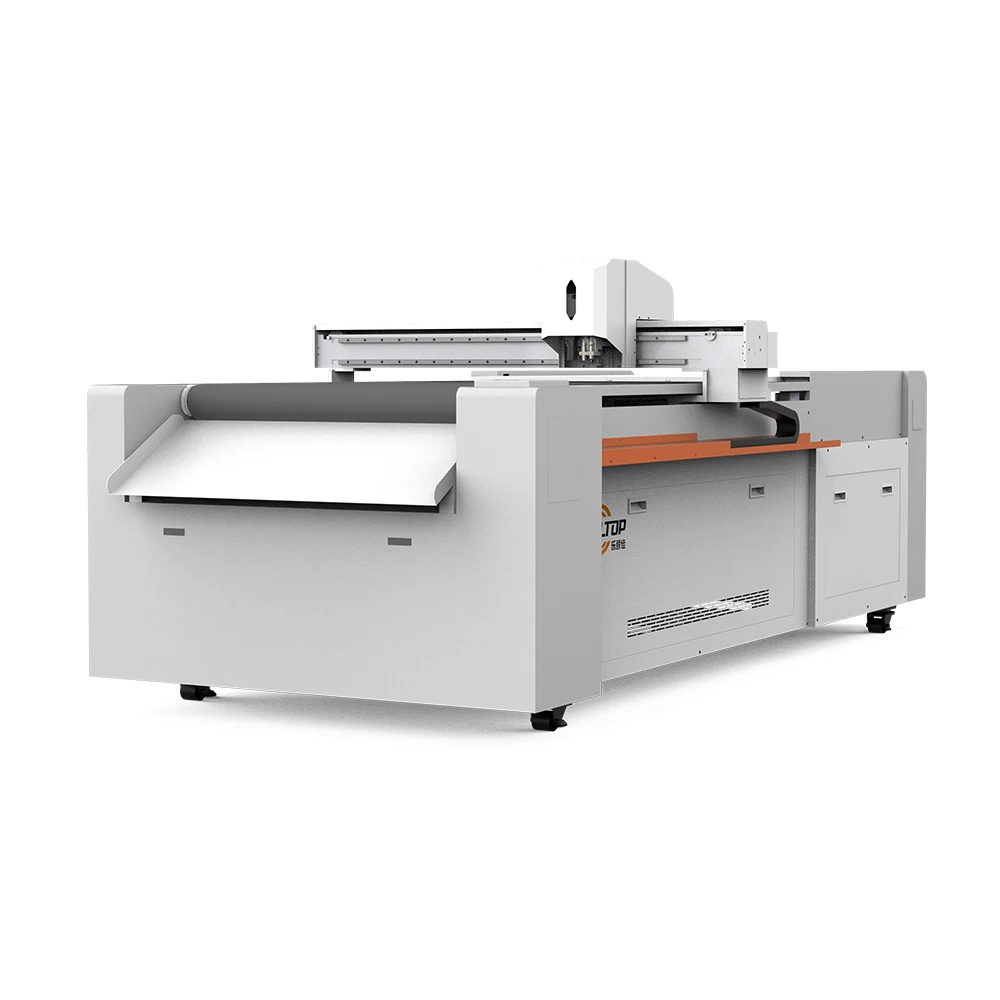
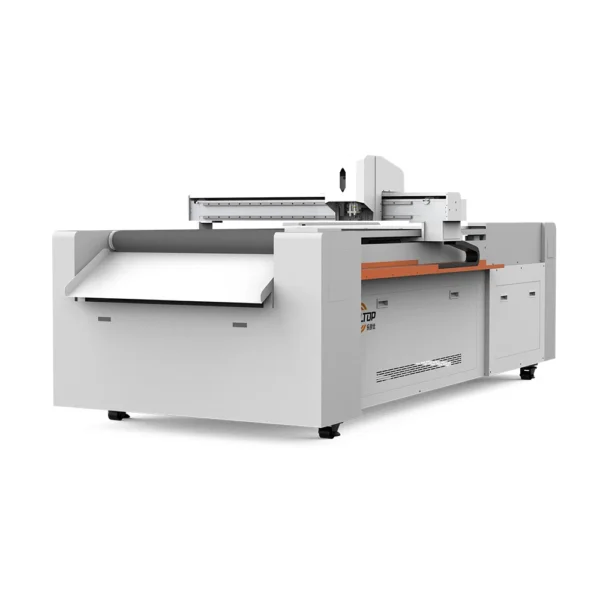
Configured Per Material — Every Realtop CNC oscillating knife cutting table ships with a tool head, vacuum zoning, and software workflow matched to your actual stock, verified by sample cutting before the order is finalized.
Technical Specifications
| Parameter | Value |
|---|---|
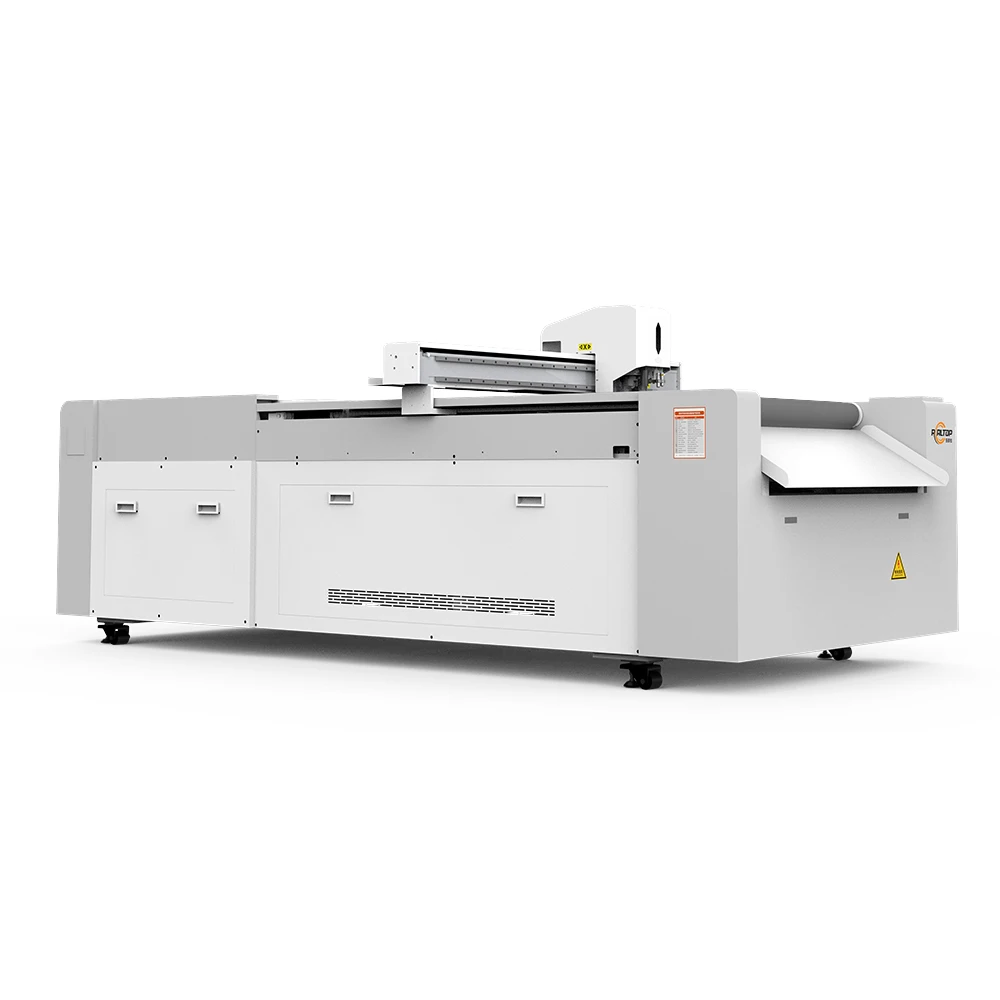
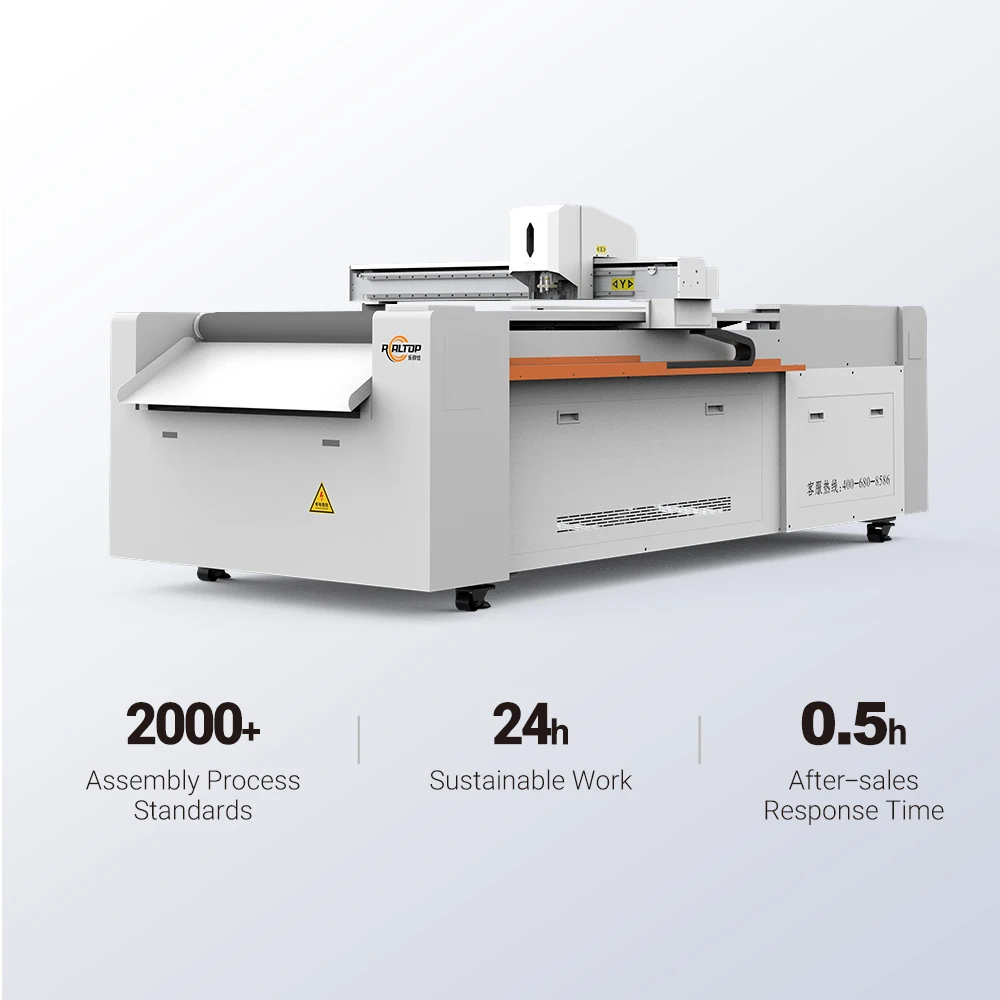
| Product Type | CNC Flatbed Digital Cutting Machine |
| Working Area Options | 400×600 / 600×800 / 900×1200 mm |
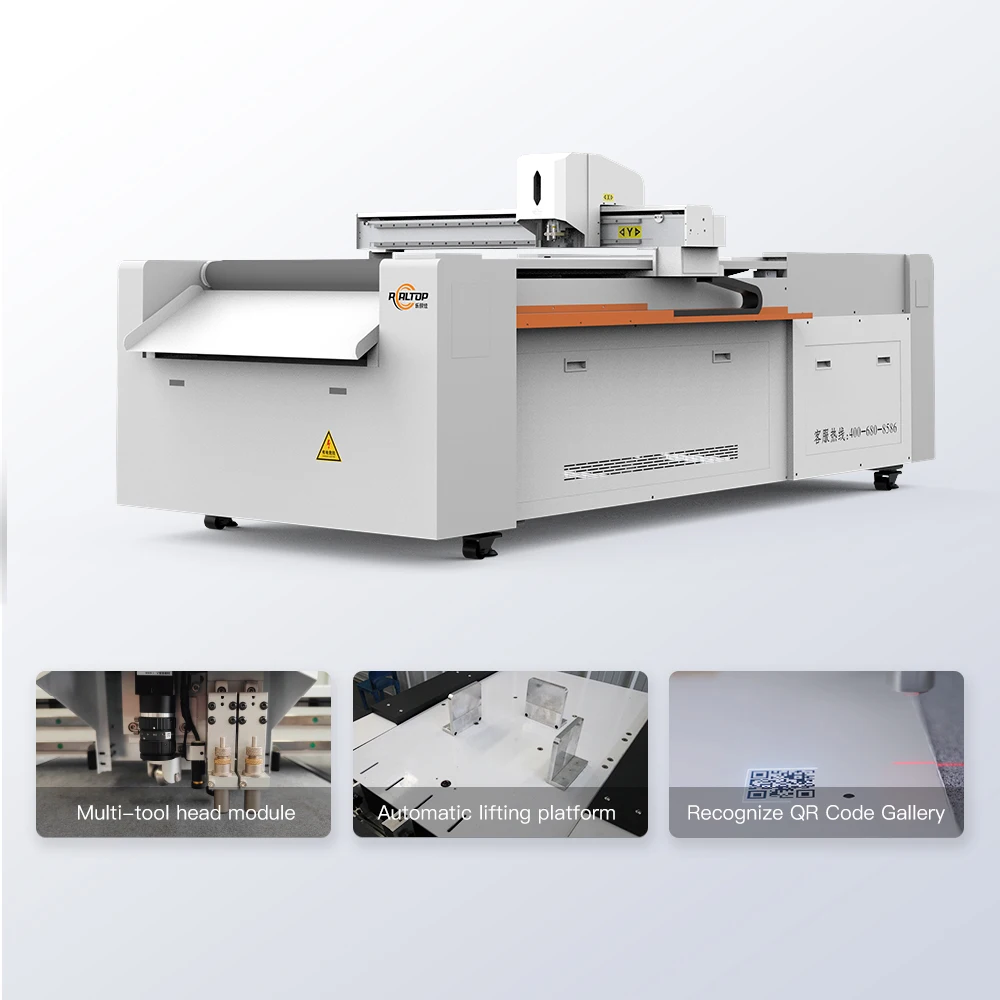
| Tool Head Configuration | Oscillating knife, creasing wheel, kiss cutting tool, CCD camera, marking pen |
| Cutting Speed | 0–1500 mm/s |
| Cutting Thickness Capacity | ≤ 20 mm (basis not stated in source — confirm material type and density) |
| Positioning Accuracy | ±0.1 mm |
| Vacuum Pump Power | 2.5 kW / 3.2 kW |
| Operating Voltage | 110V / 220V |
| Supported File Formats | PLT, DXF, AI, PDF |
| Safety Devices | Infrared sensor, emergency stop |
| Software Language Options | English, Russian, Italian, Chinese (custom available) |
Application Suitability
| Application | Material or Output |
|---|---|
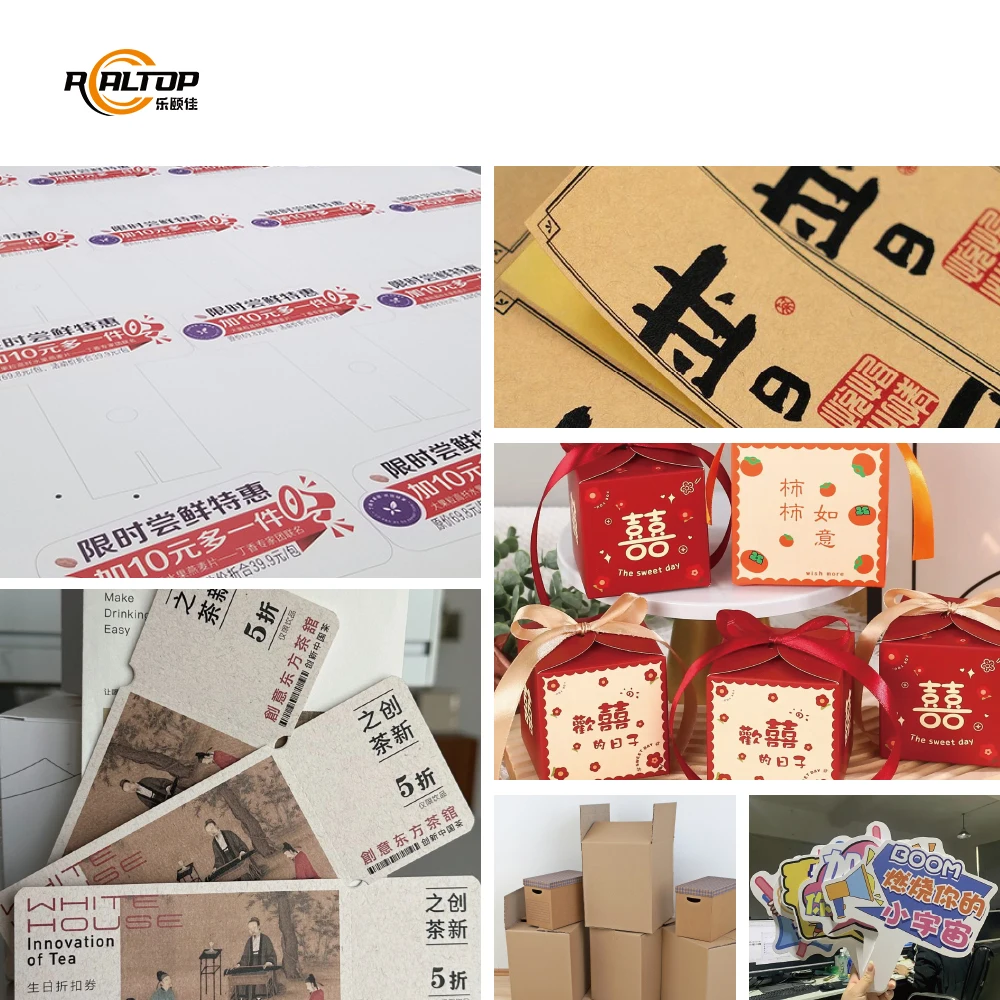
| Packaging sample making | Corrugated board, folding carton, greyboard, honeycomb paper |
| Printed carton prototyping | Laminated cardstock, coated paper with CCD contour tracking |
| Signage and graphic production | Vinyl decals, window clings, adhesive films, foam board |
| Leather and textile sampling | Leather tags, fabric inlays, synthetic textile prototypes |
| Educational and cultural crafts | Cardstock puzzles, paper-cut lamps, 3D greeting card structures |
When the Wrong Tool Head Ruins Your First Production Run
A machine specified on working area alone, then found unable to produce clean crease lines on corrugated board or cut through laminated cardstock without delaminating the surface.
The cutting method must be matched to the material, not forced from a default configuration.
I once sent a carton sample maker to a packaging plant in the Middle East. They tested corrugated board on the standard oscillating knife and were satisfied. But their daily production was actually coated, laminated cardstock — and the knife edge skidded across the film layer, leaving ragged, incomplete cuts. We pulled the unit back, swapped to a kiss cutting tool with adjusted downforce, and re-profiled the vacuum zoning to hold the thin stock flat. That two-week detour could have been avoided with one material sample submitted before the order [NEED_CITE: material-specific tool head selection in digital cutting]. Always send the actual production stock before committing to a configuration.
Oscillating Knife and Creasing Wheel: Two Tools, One Pass
For packaging sample making, the ability to through-cut and crease in a single machine cycle eliminates the need for separate die-making at the prototype stage. The oscillating knife handles the outline and internal windows, while the creasing wheel scores fold lines without penetrating the board surface. This combination is what makes a CNC oscillating knife cutting table practical for short-run structural prototypes where die costs cannot be justified.
CCD Camera Registration for Printed Contour Work
When cutting pre-printed carton or vinyl graphics, the contour must follow the print, not the file edge. The CCD camera option reads registration marks on the sheet and adjusts the cut path in real time to compensate for print stretch, skew, and feed distortion. Without this, operators spend excessive time manually aligning files to each sheet, and registration drift accumulates across a run [NEED_CITE: CCD registration mark recognition accuracy in digital flatbed cutting].
How Vacuum Zoning, Accuracy, and File Compatibility Shape Daily Output
The vacuum table on these models is driven by a 2.5 kW or 3.2 kW pump, and the work surface is divided into zones that can be activated independently. For a full sheet of corrugated board, all zones engage. For a small vinyl decal nested in one corner, only that zone pulls vacuum — preventing the stock from lifting during high-speed knife travel. The ±0.1 mm positioning accuracy matters most on intricate die-lines with tight internal radii, such as interlocking tab-lock carton closures or detailed paper-cut lamp panels. On the software side, native support for AI, PDF, PLT, and DXF means most packaging design and graphic arts files import directly, avoiding conversion steps that can corrupt curve geometry. The control software language is configurable, so a production floor in Milan or Moscow operates in its local language without relying on translation overlays.
The Cost of Skipping the Sample Cut
Buyers who approve a configuration from a specification sheet alone often discover gaps only after the machine is installed. A vacuum zone layout that works for large carton blanks may fail to hold small leather tags during kiss cutting. A creasing wheel calibrated for E-flute corrugated may crush B-flute instead of scoring it. Software that opens DXF files cleanly may misinterpret bezier curves from an Illustrator export. These are not defects — they are mismatches, and every one of them halts production until resolved [NEED_CITE: pre-shipment sample cutting validation for digital cutting equipment]. Requesting a sample cutting report on your own material before commitment is the single most effective step to prevent these delays.
Why Source This Cutting Table Through Realtop
Realtop engineers both knife and laser cutting systems in-house, so when a packaging application borders on non-metal engraving — such as scoring decorative patterns into acrylic signage — the buyer gets an honest recommendation on which technology fits rather than a forced sale. Tool head and table configurations are specified per material and production volume, not sold as a one-size bundle. CCD camera positioning is validated against the buyer’s actual printed stock, not demonstrated on a generic test sheet. Software compatibility with AI, PLT, DXF, and PDF workflows is confirmed before the order is placed. Voltage, plug type, and control language are documented and agreed upon before the machine leaves the factory, eliminating on-site electrical surprises.
Documentation & Verification
- Machine specification sheet listing confirmed tool heads and vacuum zone layout
- Electrical schematic with voltage and frequency matched to destination market
- Sample cutting report on buyer’s own material with edge and crease photographs
- Software license and file format compatibility note for AI, PLT, DXF, PDF workflow
- Factory test record documenting positioning accuracy and cutting speed on specified stock
- Operation and maintenance manual in agreed control language
Installation, Commissioning & Support
- Floor space planning based on selected 400×600, 600×800, or 900×1200 mm working area plus operator clearance
- Dedicated electrical circuit sized for 2.5 kW or 3.2 kW vacuum pump plus motion system draw
- Machine arrives partially assembled; gantry and tool head require on-site mounting and leveling
- First-run commissioning includes vacuum zone calibration and CCD registration mark tuning on your stock
- Operator training covers tool head changes, file import workflow, and nesting setup in chosen language
- Spare parts list provided covering oscillating knife blades, creasing wheels, and vacuum seals
Before You Request a Quote
To configure a CNC oscillating knife cutting table that actually works on your production floor, we need to know what you are cutting. Send us the material type, thickness, and maximum sheet size you run. Specify your local voltage and frequency, the plug standard in your market, and the control language your operators need. If your workflow depends on a specific file format or nesting software, tell us so compatibility is confirmed before the machine ships — not after.
Frequently Asked Questions
Q: How do I choose between oscillating knife, creasing wheel, and kiss cutting tool for my materials?
A: The oscillating knife handles through-cuts on corrugated board, foam, and cardstock up to the rated thickness. The creasing wheel scores fold lines on carton without cutting through. The kiss cutting tool cuts vinyl and adhesive films without penetrating the backing liner. Submit your actual material samples, and the correct tool head combination is specified before the order is placed.
Q: Can the voltage and plug be configured for my country before shipment?
A: Yes. The machine supports 110V and 220V configurations. The exact voltage, frequency, and plug type for your destination market are confirmed during the order process and documented on the electrical schematic, so the machine connects directly on arrival without requiring a local transformer or adapter.
Q: Will the software accept my existing packaging design files?
A: The control software natively imports AI, PDF, PLT, and DXF formats. If your design team works in a specific vector application or uses a third-party nesting workflow, file compatibility is tested and confirmed before the order is finalized, with a written compatibility note included in the documentation package.
Q: How does the sample cutting process work before I commit to an order?
A: You send a representative sample of your production material to the factory. The cutting table is configured with the proposed tool heads and vacuum settings, then run on your stock. A sample cutting report with photographs of cut edges, crease quality, and contour accuracy is returned for your review before you approve the final configuration.
Q: What does installation and after-sales support cover?
A: The machine ships with the gantry and tool head disassembled for transport. Installation guidance covers leveling, vacuum pump connection, and tool head calibration. Operator training addresses file import, tool changes, and daily maintenance. After-sales support covers troubleshooting, spare parts supply for blades and creasing wheels, and software updates as they become available.


商品评价
Clear filtersThere are no reviews yet.